1) Select Source Material
Use the same video from the Final Preview section as the source material.
Project: Rotoscope
Frame-by-frame tracing workflow from source footage to final rendered output.
Disclaimer: This video is for academic purposes only.
Use the same video from the Final Preview section as the source material.
Split footage into short segments to make detailed tracing manageable.
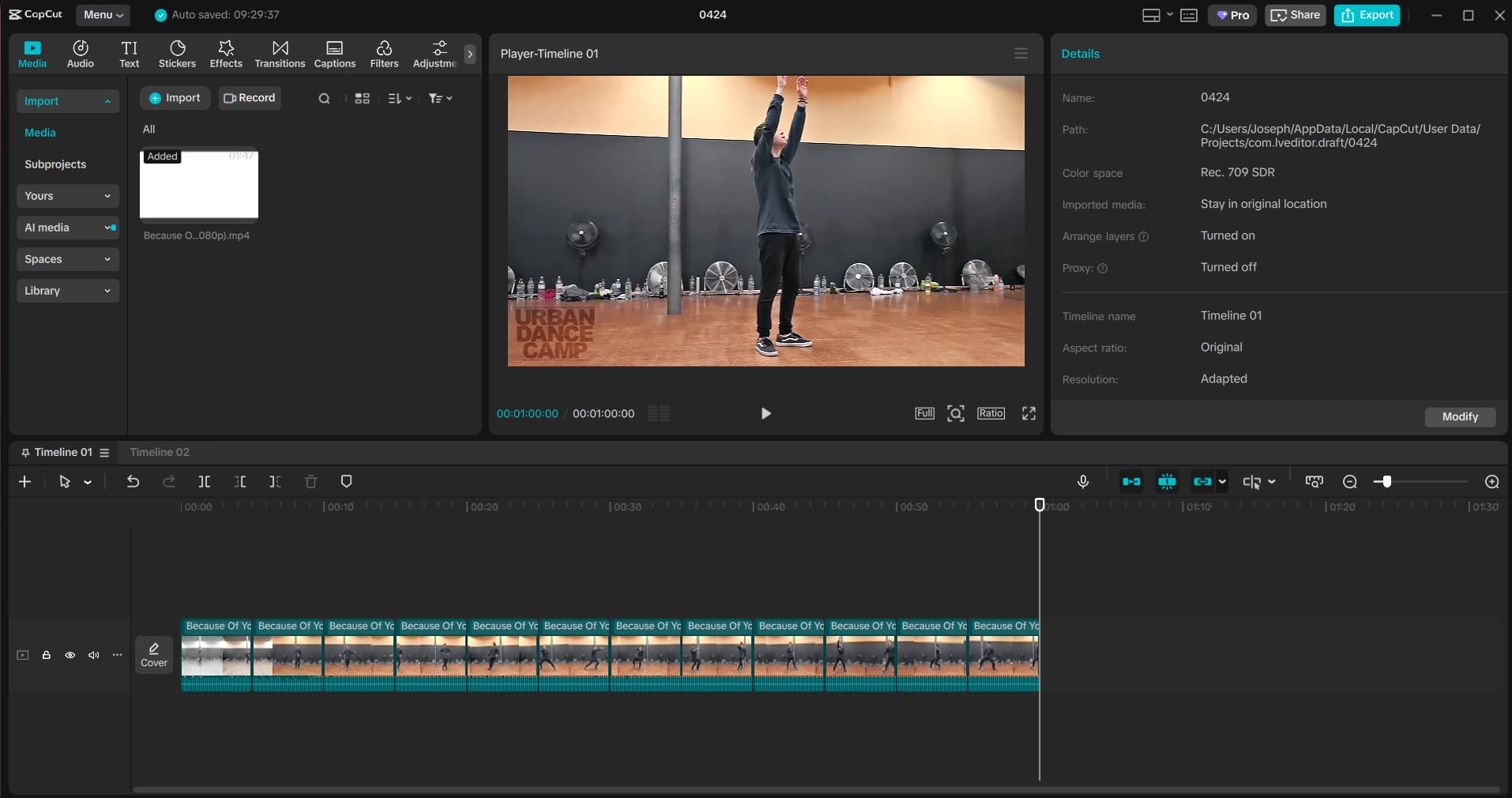
Import clips in After Effects and set up compositions for each sequence.
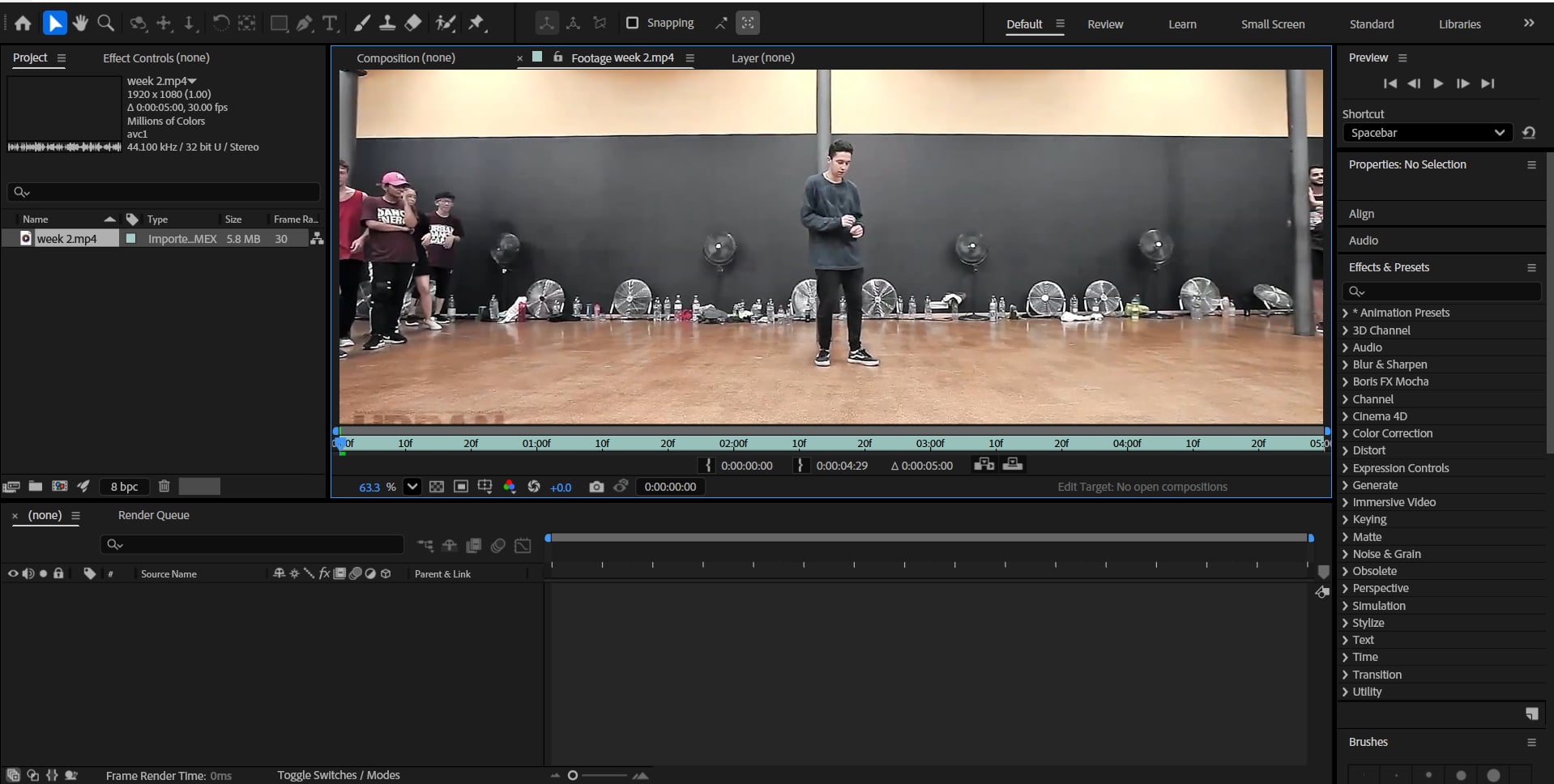
Use masks and tools to isolate forms and track shape changes over time.
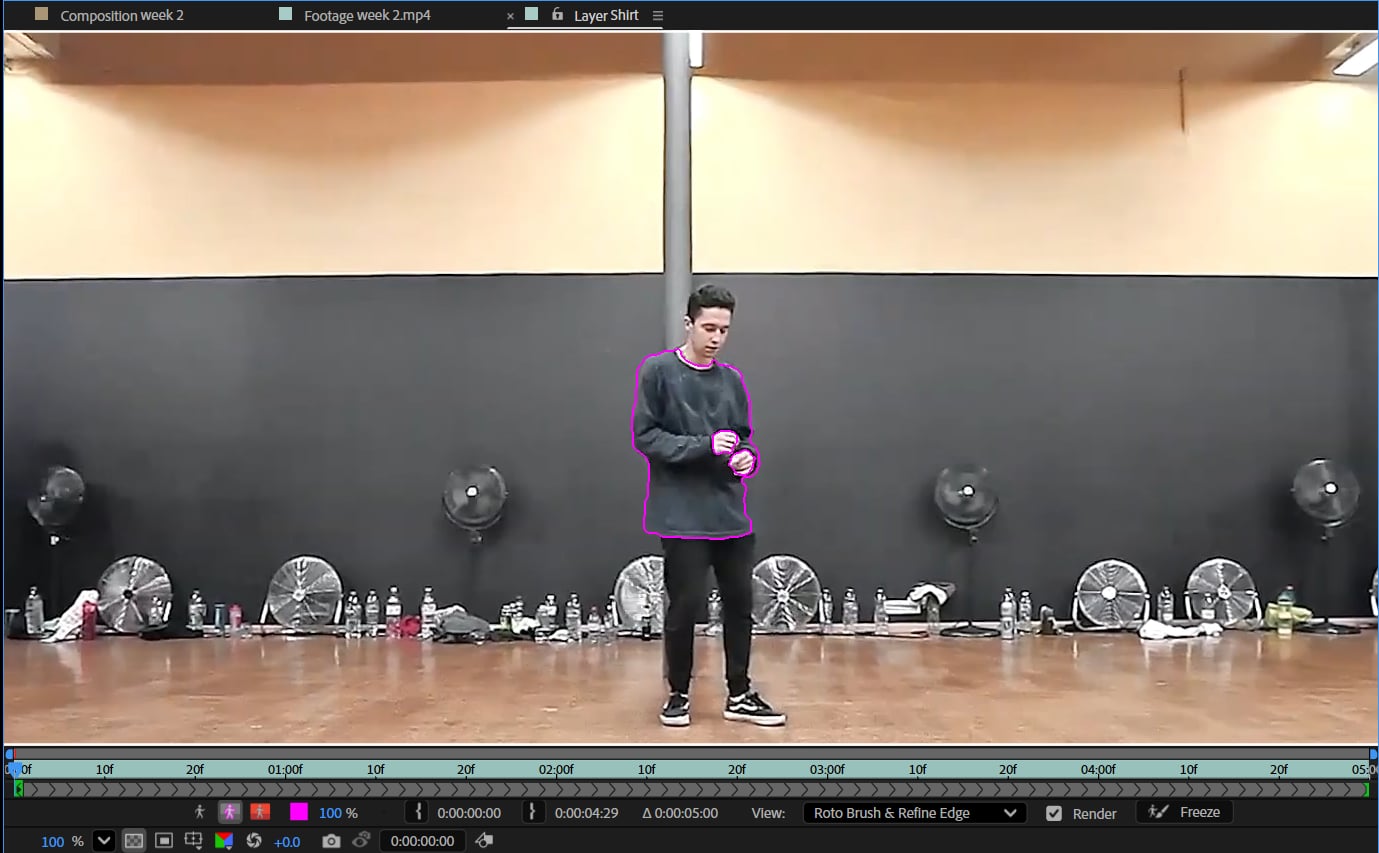
Apply fill effects and color hierarchy to define the visual style.

Queue final composition and export the project in your selected format.
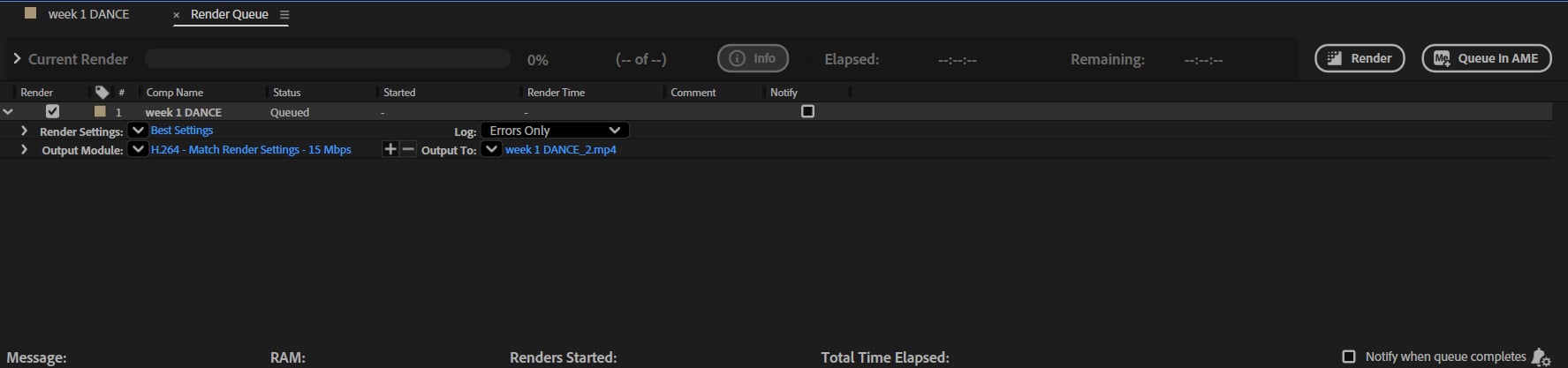
Started tracing workflow and established the core visual direction.
Improved timing and consistency in frame-to-frame tracing.
Expanded layering and cleanup for smoother motion output.
Refined colors and polished final compositing quality.
Final pass and delivery stage.
Project completion and final renders.